
Offline Conversion Tracking for Roofers: Send Leads, Then Revenue
The single most effective step is to enable Enhanced Conversions for Leads and persist the GCLID along with hashed phone and email data in your CRM, so closed jobs can be uploaded back to Google Ads automatically. Capture the GCLID at the landing page, store it permanently on the contact record, and if your closed-job volume is thin, start by optimizing for earlier funnel stages instead.
TL;DR:
- Smart Bidding generally needs 30 to 50 conversions per campaign each month; below that, optimize for booked appointments or earlier qualified stages, not closed jobs.
- Manual spreadsheets suit low volumes, CRM connectors offer an automated route, and server side tracking or the Data Manager API fits growing lead volume.
- For phone leads, connect each tracking call to its CRM contact, retain its source identifier, and count it only after qualification or a booked appointment.
- Roofing teams using legacy uploads should move to the Data Manager API before Google ends those methods on June 15, 2026.
- Set conversion time to the original lead date, not the contract or job completion date, or Google may reject the upload or match it incorrectly.
Table of Contents
- Why offline conversion tracking matters for roofing businesses
- GCLID offline imports vs. Enhanced Conversions for leads: what to choose
- Four implementation methods and a roofing-specific setup checklist
- Call tracking and phone-lead attribution for roofers
- Conversion-action design and Smart Bidding with offline signals
- Troubleshooting checklist for common implementation errors
- Areions’ practitioner view on verified storm leads and offline signal quality
- Practical rollout priority for busy roofing teams
- How Areions can help with managed lead delivery and tracking setup
- FAQ
- Sources
- Key reference docs and implementation guides
Why offline conversion tracking matters for roofing businesses
A roofing job rarely closes online. A homeowner fills out a form or calls, then an estimator visits, an insurance adjuster gets involved, and weeks later a contract gets signed. Most of the actual revenue event happens offline, away from any pixel Google Ads can see on its own.
Without that offline data flowing back into the platform, Smart Bidding optimizes toward the signal it can measure: form fills and calls, not profitable jobs. That means the algorithm happily spends more to generate leads that never close, because it has no way to know which ones did.
Feeding closed-job value back into Google Ads changes the optimization target entirely. Smart Bidding needs roughly 30 to 50 conversions per month per campaign to work with enough data, and once it has real revenue signals instead of just lead counts, it starts favoring the keywords, audiences, and ad placements that actually produce paying jobs.

GCLID offline imports vs. Enhanced Conversions for leads: what to choose
GCLID-based offline imports work by capturing the Google Click ID from the ad click and matching it later to a closed deal using a CSV or API upload. It is the older method, and it has a weakness: GCLIDs can get lost when a homeowner switches devices, clears cookies, or takes weeks to convert, which is common in roofing.
Enhanced Conversions for Leads solves that fragility by using hashed first-party data, the homeowner’s email and phone number, to match conversions even when the click identifier is missing. This hashed matching approach improves cross-device and cross-browser attribution compared with relying on GCLID alone.
The strongest setup sends both signals together:
- GCLID when it is available and intact
- Hashed email and phone as a backup match path
- Both tied to the same conversion action so Google can deduplicate automatically
Google deduplicates using the transaction ID or a combination of GCLID and timestamp, so sending both does not create double-counted conversions when configured correctly.
Pro Tip: If you run custom CSV or API uploads today, plan your migration to the Data Manager API ahead of Google’s June 15, 2026 cutoff for legacy upload methods.
Four implementation methods and a roofing-specific setup checklist
Four paths cover almost every roofing business, ranging from no-code to fully automated.
- Data Manager or manual CSV: upload closed-job data as a spreadsheet matching Google’s required columns (GCLID or hashed identifiers, conversion time, conversion value); best for low volume or getting started fast.
- Native CRM connectors: tools like HubSpot or Salesforce offer built-in Google Ads integrations that push conversions automatically once configured, which is the quickest stable path for most roofing offices.
- Zapier or similar automation: connects your CRM to Google Ads without custom code, suited to smaller lead volumes or teams without a developer.
- Server-side tracking or the Data Manager API: sends events directly from your server to Google Ads in real time, offering the most reliable deduplication and scale. This path is recommended once lead volume grows beyond what manual uploads can handle.
For roofing specifically, four checklist items matter most before any method works correctly:
| Checklist item | Why it matters |
|---|---|
| Hidden GCLID field on every form | Captures the click ID at the moment of lead submission |
| GCLID stored as a permanent CRM field | Prevents loss over long sales cycles common in roofing |
| Phone and email mapped for hashing | Required for enhanced conversions matching |
| Conversion time set to original lead date | Avoids rejected uploads outside the matching window |
Reading up on the difference between lead management tools and a CRM helps clarify which connector option fits your current stack before you commit to one.
Call tracking and phone-lead attribution for roofers
Phone calls generate a large share of roofing leads, and they need the same identifier discipline as web forms. Dynamic Number Insertion assigns a unique tracking number per landing page or ad source, then records which campaign, keyword, and device triggered the call.
Those call records need to connect back to your CRM contact, with the originating GCLID or hashed identifier stored alongside the call log rather than left in the call tracking platform alone.
- Tag or transcribe calls to flag which ones represent a qualified lead worth uploading
- Store the call’s source identifier on the CRM contact record, not just in a separate call log
- Count a call as a conversion event only once it reaches the stage you define as qualified, not on ring alone
- Wait for a booked appointment before treating a call as a stronger-value conversion than a raw inquiry
Call platforms built for predictive routing and scoring, like the workforce and call-scoring tools publishers use, can help formalize this tagging step for teams fielding high call volume.
Conversion-action design and Smart Bidding with offline signals
A staged conversion hierarchy gives Smart Bidding something to optimize at every point in the sales cycle, not just at the final sale. A typical roofing setup looks like this:
| Stage | Conversion action name | Typical value |
|---|---|---|
| Form fill | Lead Submitted | Fixed estimated value |
| Qualified lead | MQL Verified | Fixed estimated value |
| Booked appointment | Appointment Scheduled | Fixed estimated value |
| Signed contract | Opportunity Created | Contract estimate |
| Job completed | Closed Won | Actual invoice amount |
Which stages you let Smart Bidding use for actual bidding depends on volume. Google’s guidance points to roughly 30 to 50 monthly conversions per campaign as the threshold for reliable optimization. If Closed Won volume sits below that, set it as observation-only and let bidding run on Appointment Scheduled or Opportunity Created instead, then correct the final value later.
Aggregating smaller campaigns under a portfolio bid strategy can also pool enough conversion volume to unlock full Smart Bidding benefits sooner.
Whichever stages you bid on, conversion time should always reflect the original lead date, not the date the job closed, so the upload matches the correct ad click.
Troubleshooting checklist for common implementation errors
Most offline conversion problems trace back to one of four issues.
- Missing GCLID: confirm the hidden field is firing on every form submission and that the CRM workflow writes it to the contact record at creation, not later
- Wrong conversion time: use the original lead date, since uploads outside the matching window get rejected even when the data is otherwise correct
- Hashing errors: format phone numbers in E.164 and apply SHA-256 hashing correctly if you pre-hash data before upload
- Duplicate imports: use a consistent transaction or order ID per conversion, and include consent fields where your jurisdiction requires them
Pro Tip: Run Google’s enhanced conversions diagnostics report monthly, even after setup looks stable, since CRM field changes or form updates can silently break the GCLID capture.
Areions’ practitioner view on verified storm leads and offline signal quality
Our storm-response workflow focuses on human-verified homeowner leads, designed to be delivered into a client’s CRM with territory exclusivity. Verified leads shorten the gap between capture and a booked job, which tightens match rates once that job gets uploaded as an offline conversion. A managed lead provider should offer CRM fields for identifier capture, GCLID persistence, and reporting you can audit.
Practical rollout priority for busy roofing teams
If you only have an afternoon, do this first: add the hidden GCLID field, create the CRM custom field to store it, and turn on the enhanced conversions tag. That alone covers most of the gap.
Escalate to server-side tracking or the Data Manager API once volume outgrows manual uploads. Until then, measure booked appointments if Closed Won stays below the data threshold Smart Bidding needs.
— Angel
How Areions can help with managed lead delivery and tracking setup
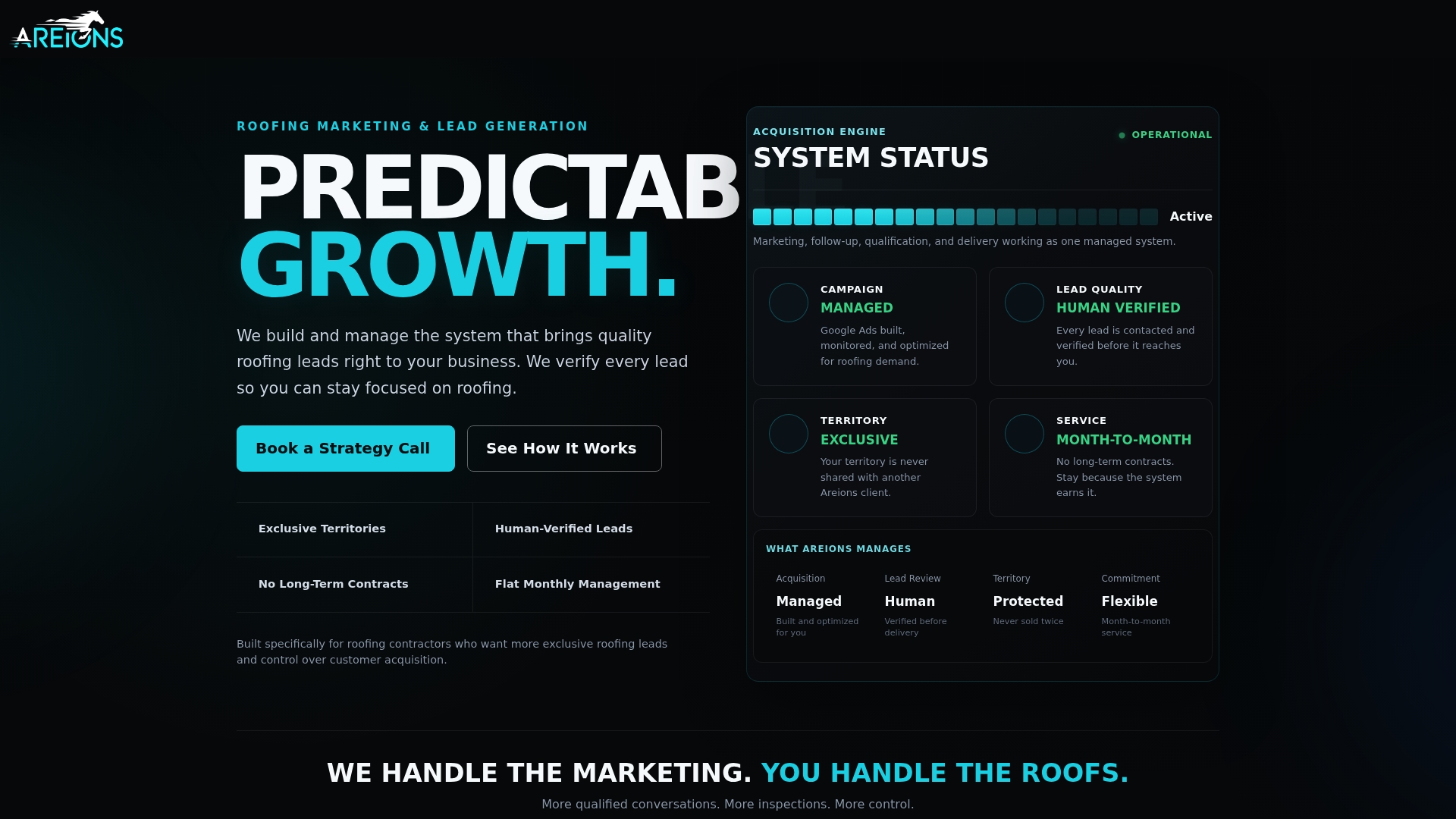
We manage campaigns, landing pages, CRM routing, and lead verification to help ensure offline conversion data flowing back into your account is accurate. Our plans are month-to-month without long-term contracts, focusing on delivering verified leads into your pipeline tagged for tracking. See our Foundation, Professional, and Enterprise plans or book a strategy call to walk through your current setup.
FAQ
When should I use offline conversions?
Use offline conversion tracking whenever a meaningful part of your sales process happens after the initial online lead, which covers nearly every roofing business. It matters most once your ad spend is high enough that Smart Bidding needs accurate revenue signals rather than raw lead counts to optimize well.
Is $30,000 too much for a roof?
Roof replacement costs vary widely by size, material, and region, and no single figure applies universally. A homeowner’s actual quote depends on local labor rates, roof square footage, and material choice, so it is best compared against multiple local estimates rather than a fixed benchmark.
How do I find commercial roofing leads?
Commercial roofing leads typically come through targeted ad campaigns, referral networks, and direct outreach to property managers, paired with accurate tracking so you know which channels actually produce signed contracts. Feeding closed-deal data back into your ad platform, as described above, helps your campaigns find more of the same.
What is the 25% rule in roofing?
Check your specific insurer’s policy language or local building code rather than assuming a universal figure.
How long does it take to see offline conversion data back in Google Ads?
It depends on your sales cycle and upload method. Manual CSV or Data Manager uploads reflect as soon as you submit them, while the matching window for enhanced conversions can be as short as 63 days for certain flows, so uploading early-stage signals sooner keeps data within range.
Key reference docs and implementation guides
Start with Google’s documentation on enhanced conversions for leads and the developer guide to the Data Manager API for the technical setup. For CRM and call-routing decisions, the lead management versus CRM comparison and local demand playbook offer practical next steps.